When building a website, one of the most important decisions you will make is choosing between a
Understanding the difference helps you choose the right solution based on your budget, goals, and long-term business growth.
"Use a CMS when you need to launch fast, your business model fits an existing template, and you'd rather focus on growth than infrastructure.
Thomas C. Kranitsas, Web Strategist
What is a CMS Website?
A
With a CMS, you can easily update content, add pages, upload images, and manage your website through a simple dashboard.
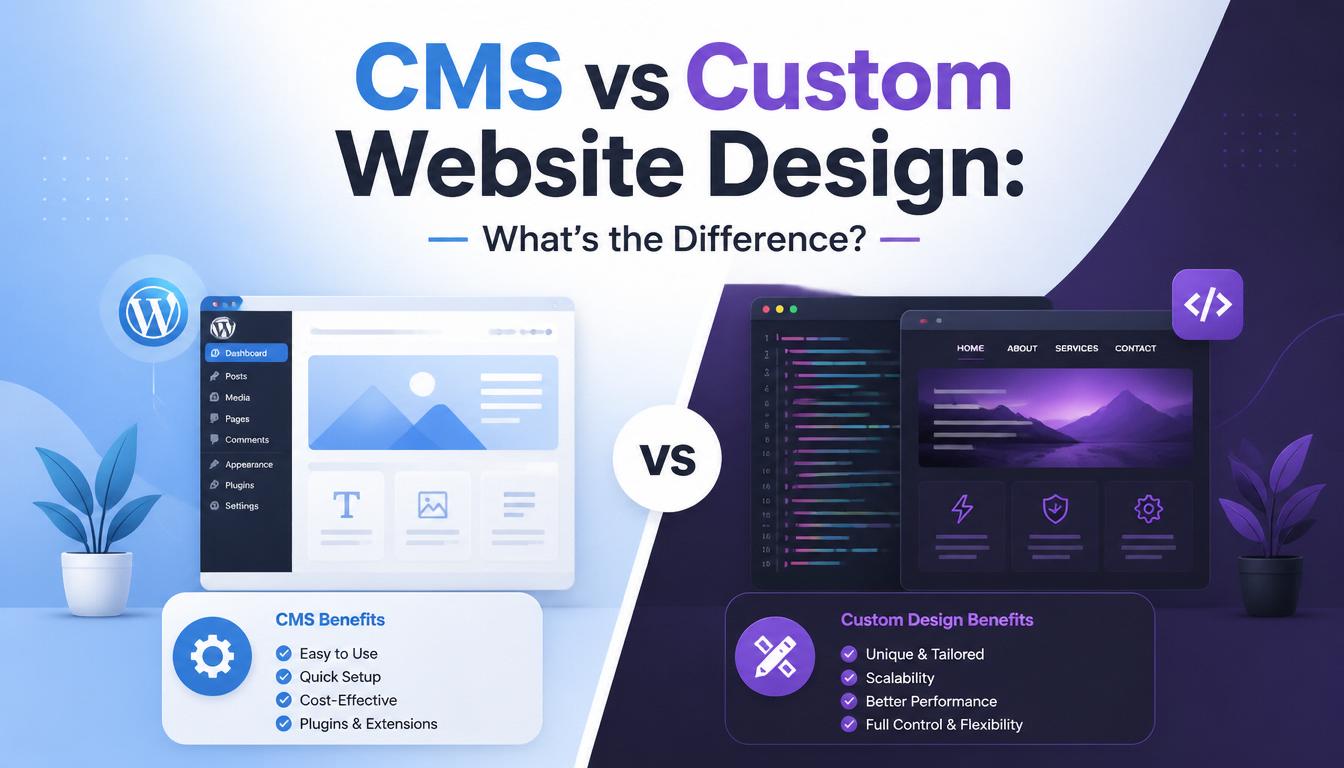
Key Features of CMS Websites
- Easy content management
- Pre-designed templates and themes
- Plugin support for extra features
- Faster development time
- User-friendly interface
Advantages of CMS
- Lower cost to build
- Quick to launch
- Easy to manage without technical skills
- Large community support
- Flexible for basic to medium websites
Disadvantages of CMS
- Limited customization compared to custom builds
- Can become slow with too many plugins
- Security risks if not properly maintained
- Less flexibility for complex systems
What is a Custom Website Design?
A
It is fully tailored to your business needs, without relying on templates or pre-built systems.
Key Features of Custom Websites
- Fully unique design and functionality
- Built specifically for your business needs
- High performance and optimization
- Advanced features and integrations
- Scalable architecture
Advantages of Custom Design
- Full control over design and functionality
- Better performance and speed
- Stronger security
- Highly scalable for future growth
- No unnecessary plugins or limitations
Disadvantages of Custom Design
- Higher development cost
- Longer development time
- Requires professional developers for updates
- More technical maintenance
CMS vs Custom Website: Key Differences
1. Cost
- CMS: More affordable
- Custom: More expensive but tailored
2. Development Time
- CMS: Fast setup
- Custom: Longer development process
3. Flexibility
- CMS: Limited customization
- Custom: Fully flexible
4. Performance
- CMS: Depends on plugins and optimization
- Custom: Optimized for speed and performance
5. Security
- CMS: More vulnerable if not maintained
- Custom: More secure with proper development
6. Scalability
- CMS: Good for small to medium websites
- Custom: Ideal for growing or complex systems
Which One Should You Choose?
Choose CMS if:
- You want a simple website
- You have a limited budget
- You need a quick online presence
- You don’t require complex features
Choose Custom Design if:
- You need advanced functionality
- You want a unique, branded experience
- You are building a large or scalable system
- You prioritize performance and security
Final Thoughts
Both CMS and custom website development have their advantages. The right choice depends on your business goals, budget, and long-term vision.
A CMS is great for quick and cost-effective websites, while custom development is best for businesses that need high performance, flexibility, and scalability.
At SOAR IT, we help businesses choose and build the right solution—whether it’s a CMS-powered website or a fully custom digital platform designed for growth.

Leave a Reply
Your email address will not be published. Required fields are marked *