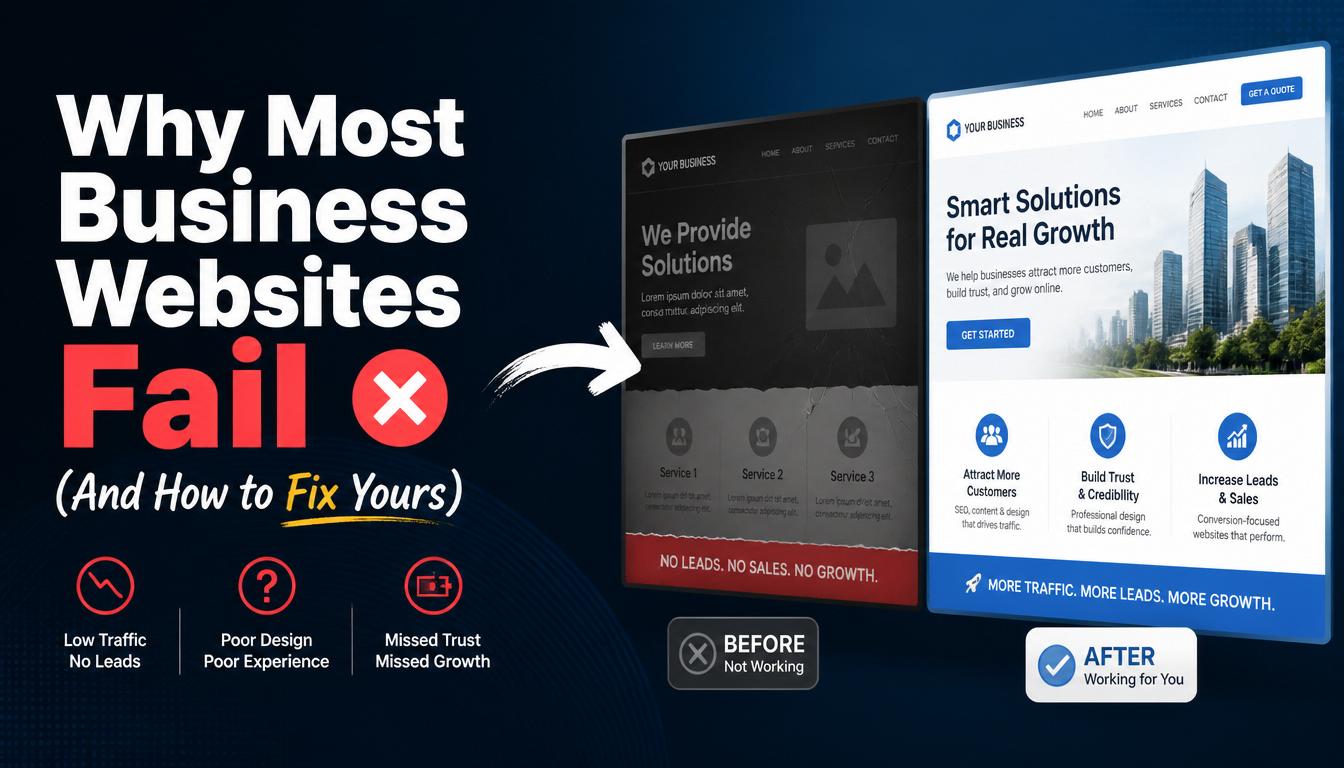
Many businesses invest time and money into building a website, expecting it to attract customers, generate leads, and increase revenue. Unfortunately, a large number of business websites fail to achieve these goals.
The issue is rarely the existence of the website itself. Instead, it is often caused by poor planning, weak design, lack of optimization, or failure to meet customer expectations.
Most websites fail for one simple reason: they are built to look good, not to guide decisions. Visitors arrive confused, unsure what you offer, why they should trust you, or what to do next, and they leave.
Mushi Farisani
If your website is not delivering results, understanding the common reasons behind website failure can help you make the necessary improvements.
What Makes a Business Website Successful?
A successful business website should:
- Attract visitors
- Build trust and credibility
- Provide useful information
- Generate leads and inquiries
- Convert visitors into customers
When a website fails to perform these functions, it becomes a missed opportunity rather than a valuable business asset.
1. Poor User Experience (UX)
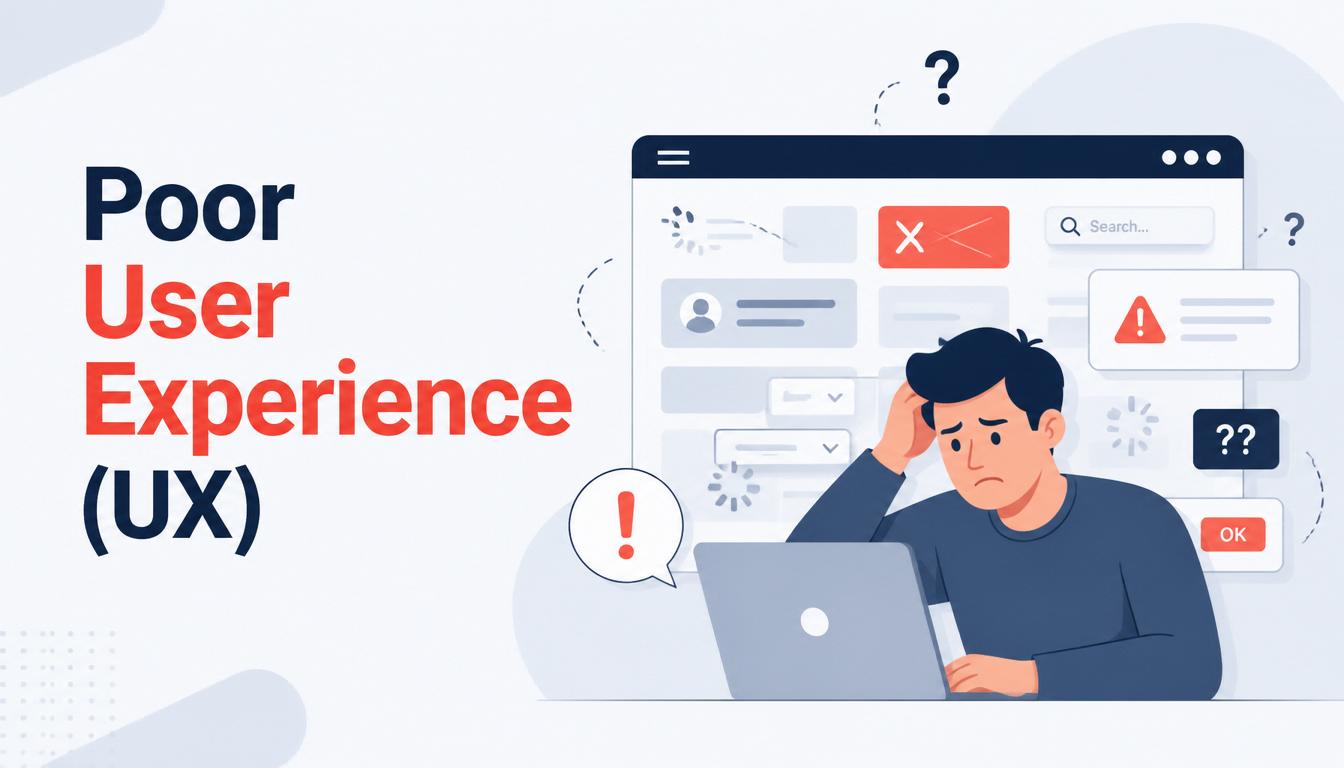
One of the biggest reasons websites fail is poor user experience.
Visitors expect websites to be easy to navigate and simple to use.
Common UX Problems
- Confusing navigation
- Cluttered layouts
- Hard-to-read content
- Too many pop-ups
- Broken links
How to Fix It
- Simplify navigation menus
- Use clear page structures
- Improve readability
- Ensure all links work properly
- Focus on user-friendly design
A positive user experience keeps visitors engaged and encourages action.
2. Slow Website Speed
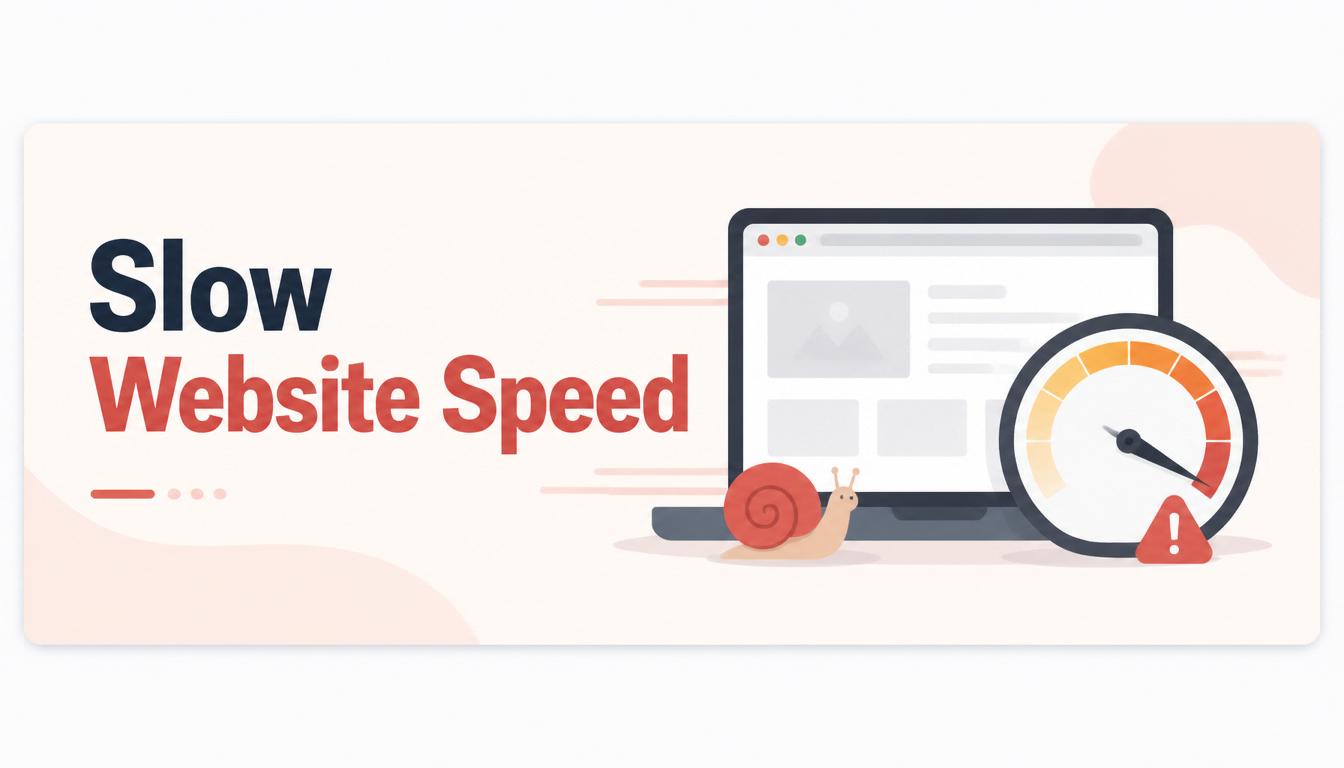
Modern users have little patience for slow-loading websites.
Even a few seconds of delay can cause visitors to leave before the page loads completely.
Causes of Slow Websites
- Large image files
- Poor hosting services
- Excessive plugins
- Unoptimized code
How to Fix It
- Compress images
- Upgrade hosting plans
- Remove unnecessary plugins
- Optimize website performance
Faster websites improve user satisfaction and search engine rankings.
3. Lack of Mobile Responsiveness
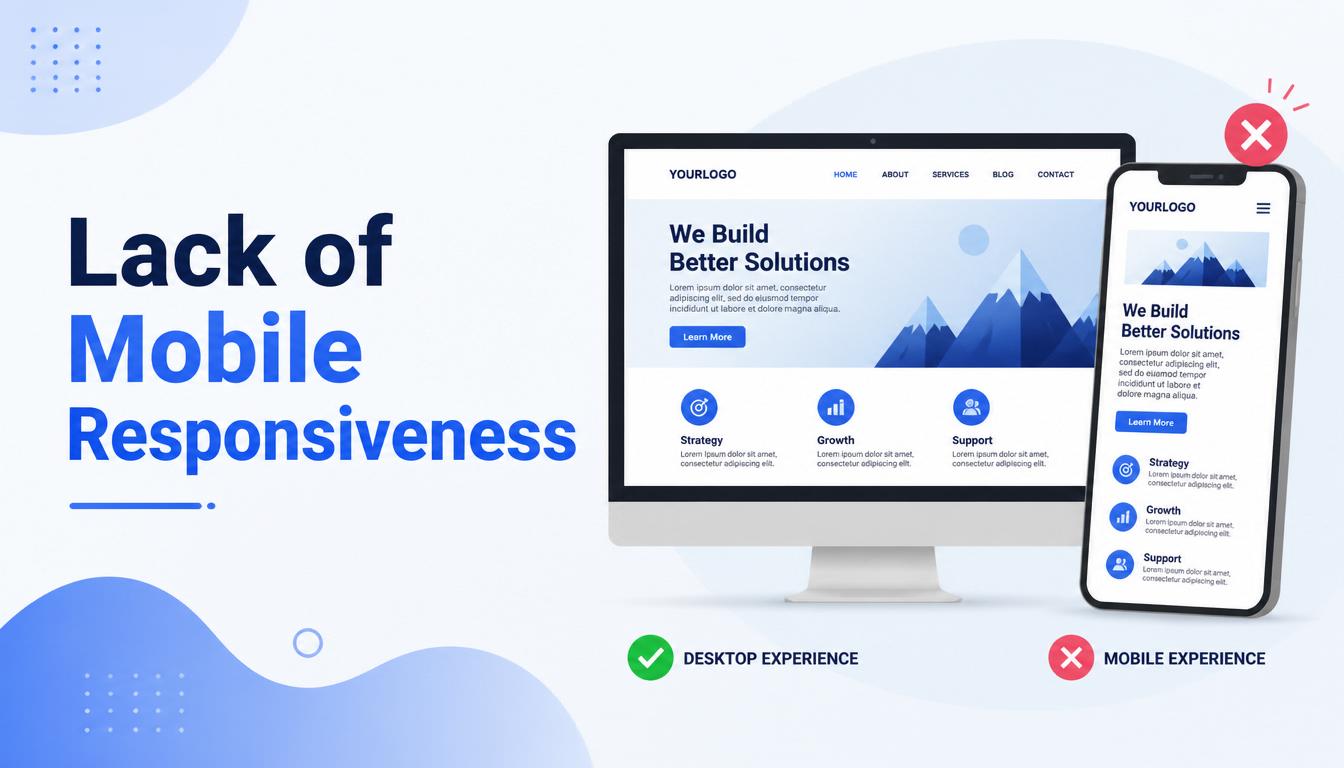
Most web traffic now comes from mobile devices.
If your website does not function properly on smartphones and tablets, you risk losing a significant portion of your audience.
Common Mobile Issues
- Text that is too small
- Buttons that are difficult to click
- Poor layout on smaller screens
How to Fix It
- Implement responsive design
- Test across multiple devices
- Optimize for mobile performance
A mobile-friendly website is essential in today's digital environment.
4. Weak Search Engine Optimization (SEO)
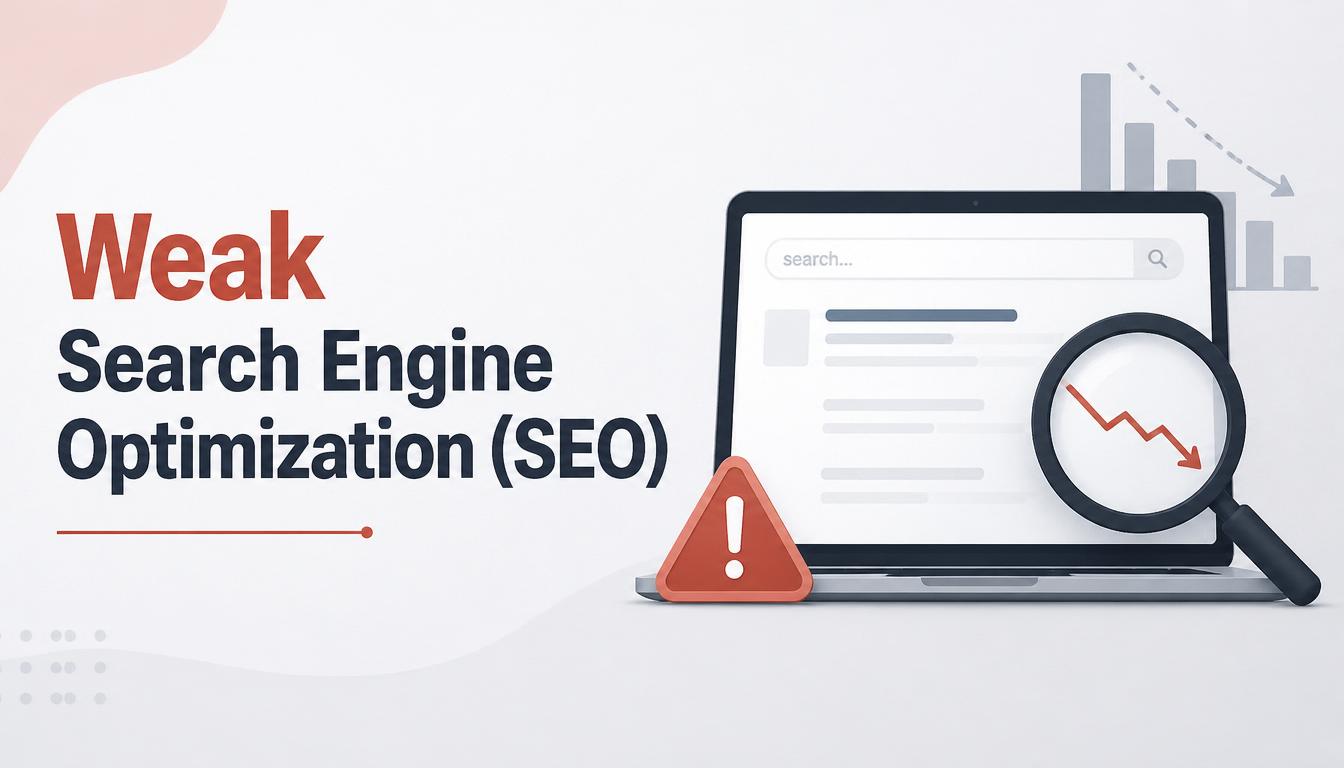
Many business websites are practically invisible because they are not optimized for search engines.
Common SEO Problems
- Missing title tags
- Poor keyword usage
- Lack of quality content
- Duplicate pages
- Broken internal links
How to Fix It
- Optimize titles and meta descriptions
- Use relevant keywords naturally
- Publish valuable content
- Build a strong internal linking structure
SEO helps potential customers find your business online.
5. No Clear Call-to-Action (CTA)
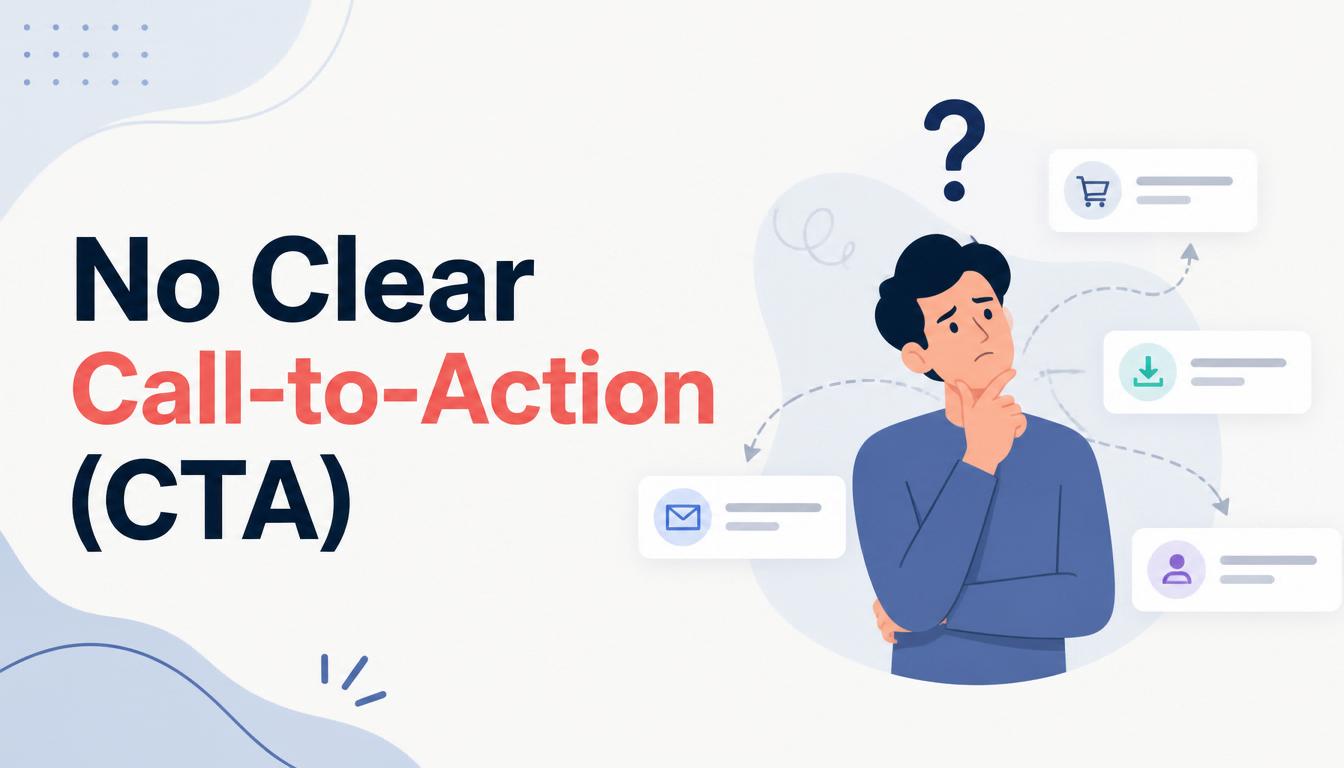
Visitors often leave websites without taking action because they are not guided toward the next step.
Effective CTAs include
- Contact Us Today
- Request a Free Quote
- Book a Consultation
- Get Started Now
How to Fix It
Place clear and visible CTAs throughout your website to encourage engagement and conversions.
6. Outdated Website Design

An outdated website can create a negative impression and reduce trust.
Signs of an Outdated Website
- Old design styles
- Poor visuals
- Non-responsive layouts
- Slow performance
How to Fix It
Consider redesigning your website using modern design standards and current technology.
7. Lack of Quality Content
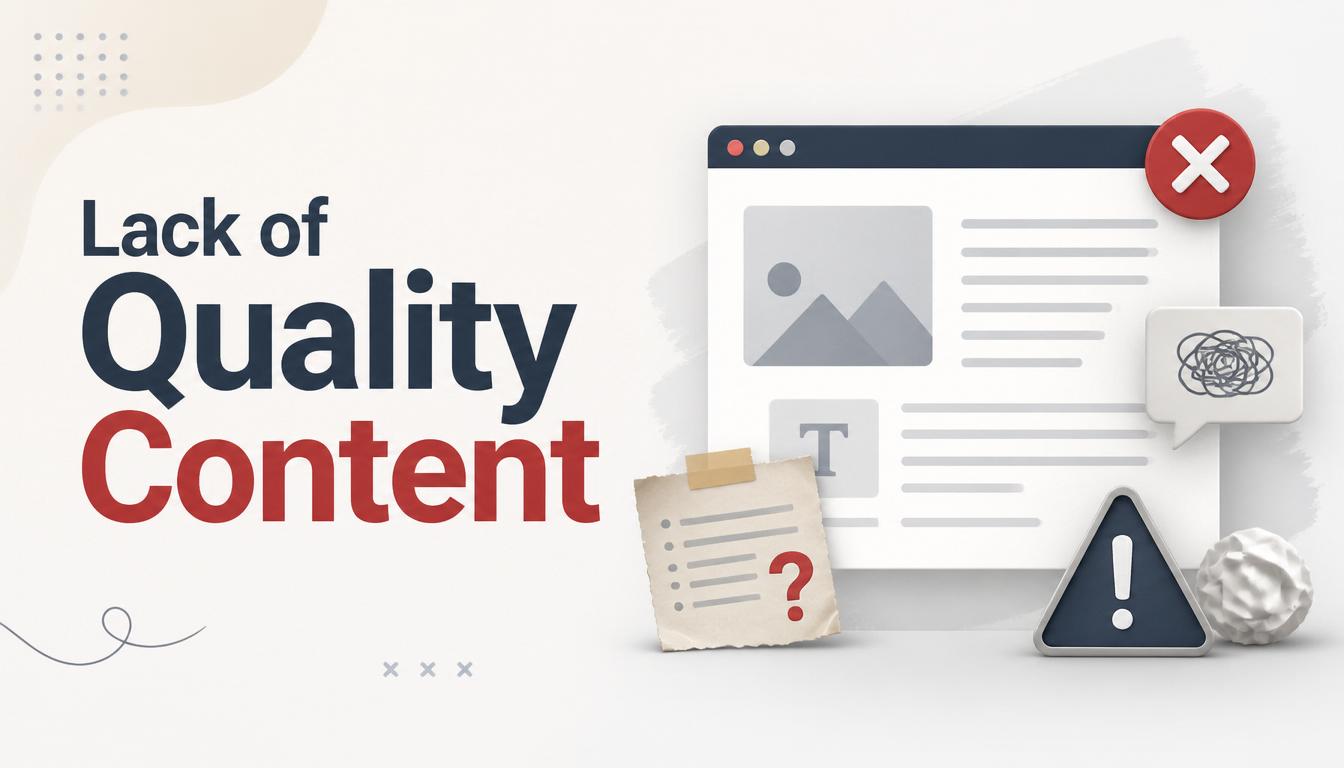
Content is one of the most important elements of a successful website.
Visitors need useful information that helps them understand your products, services, and expertise.
Poor Content Examples
- Thin content
- Outdated information
- Generic descriptions
- Grammar mistakes
How to Fix It
- Create valuable content
- Answer customer questions
- Publish blog articles regularly
- Update content frequently
Quality content improves both user experience and SEO.
8. Missing Trust Signals

People are more likely to do business with companies they trust.
Trust Signals include
- Customer testimonials
- Reviews
- Certifications
- Awards
- Portfolio examples
- Secure HTTPS connection
How to Fix It
Show proof of your credibility throughout your website.
9. Ignoring Website Security

A website that lacks proper security can expose both your business and visitors to risks.
Security Features Every Website Needs
- SSL Certificate (HTTPS)
- Secure hosting
- Regular updates
- Malware protection
- Automated backups
How to Fix It
Implement strong security measures and monitor your website regularly.
10. No Lead Generation Strategy
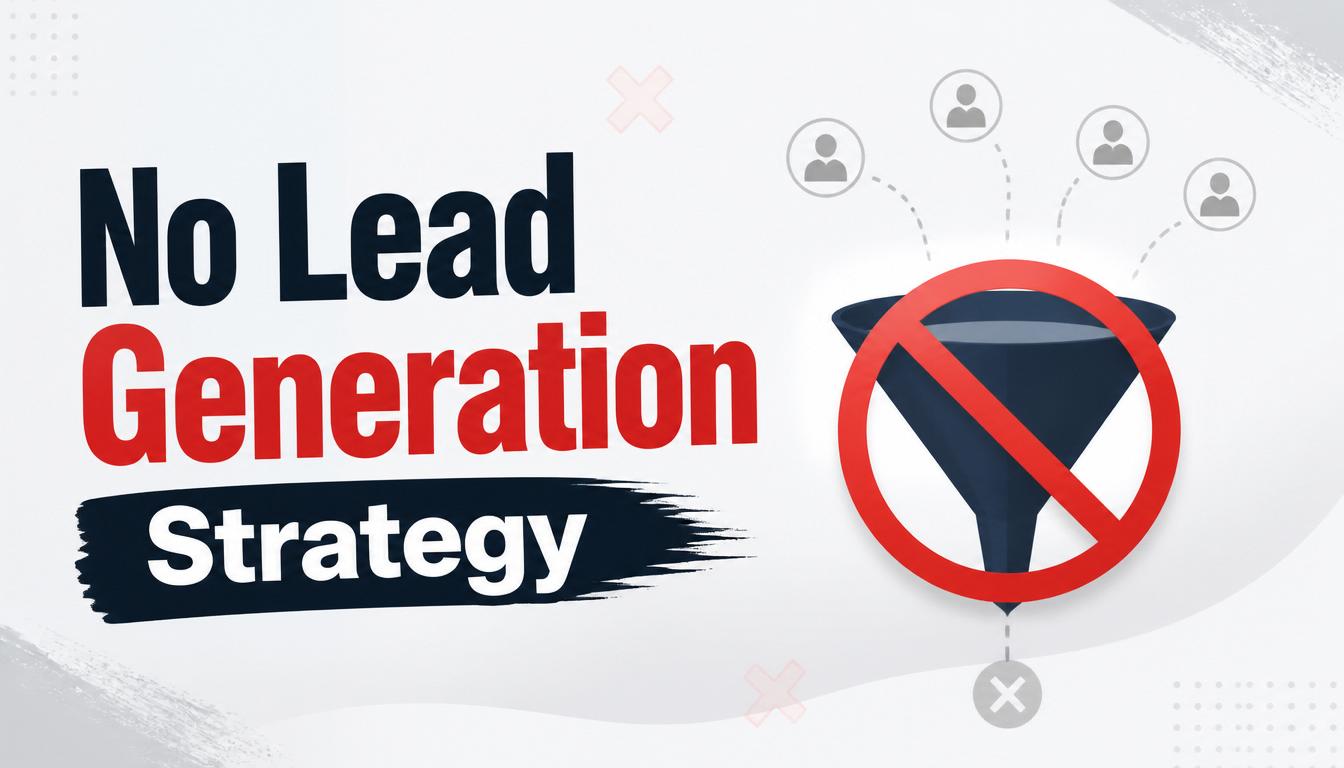
Many websites provide information but fail to capture visitor details.
Lead Generation Tools
- Contact forms
- Quote request forms
- Newsletter subscriptions
- Consultation booking forms
How to Fix It
Add lead generation elements to convert visitors into potential customers.
11. Poor Website Maintenance
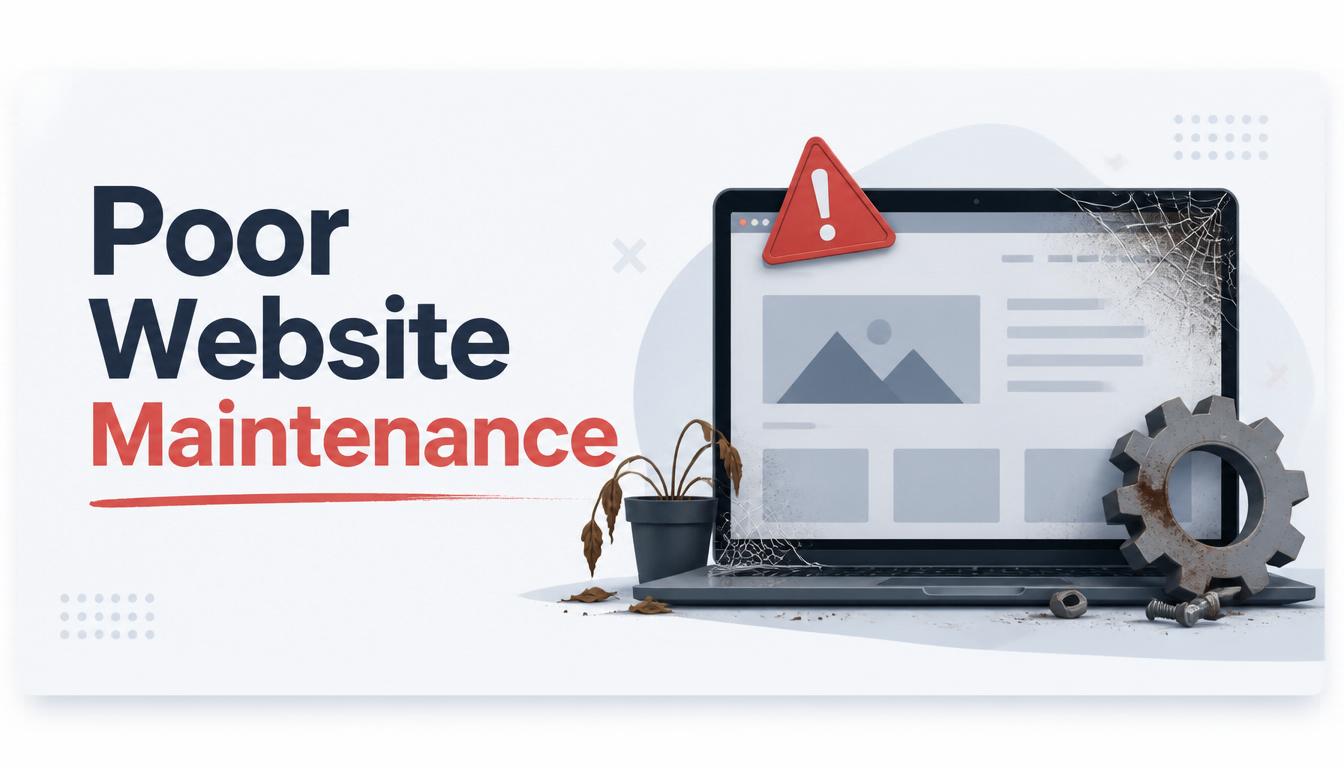
A website requires ongoing attention.
Common Maintenance issues
- Broken links
- Outdated plugins
- Expired security certificates
- Old content
How to Fix It
Schedule regular updates and maintenance checks.
Warning Signs Your Website Is Failing
Your website may need improvement if:
- Traffic is declining
- Visitors leave quickly
- Few inquiries are generated
- Search rankings are poor
- Mobile users have difficulties
Recognizing these signs early can help prevent lost business opportunities.
How to Turn a Failing Website into a Business Asset
To improve website performance:
- Improve website speed.
- Optimize for mobile devices.
- Strengthen SEO.
- Add clear CTAs.
- Publish valuable content.
- Improve security.
- Build trust through testimonials and reviews.
- Regularly update and maintain the website.
These improvements can significantly increase traffic, leads, and conversions.
Final Thoughts
A website should be one of your most valuable business assets. Unfortunately, many websites fail because they are poorly designed, slow, difficult to use, or lack a clear strategy.
The good news is that most website problems can be fixed. By focusing on user experience, SEO, security, performance, and lead generation, you can transform your website into a powerful tool for business growth.
At SOAR IT, we help businesses build modern, secure, and high-performing websites that attract customers and generate results.
Ready to Improve Your Website?
Whether you need a complete website redesign or want to improve your existing site, SOAR IT can help.
Contact SOAR IT today and let’s create a website that works for your business, not against it.
Related Resources
Many website issues can be prevented by implementing the right features from the beginning. Read our article on Key Features Every Modern Business Website Should Have to ensure your website meets modern standards. You should also explore How to Improve Your Website's Google Ranking to learn how SEO can increase visibility and attract more visitors. If you're planning a new website or redesign, explore our Website Design & Development Services to create a website designed for growth and success.

Leave a Reply
Your email address will not be published. Required fields are marked *