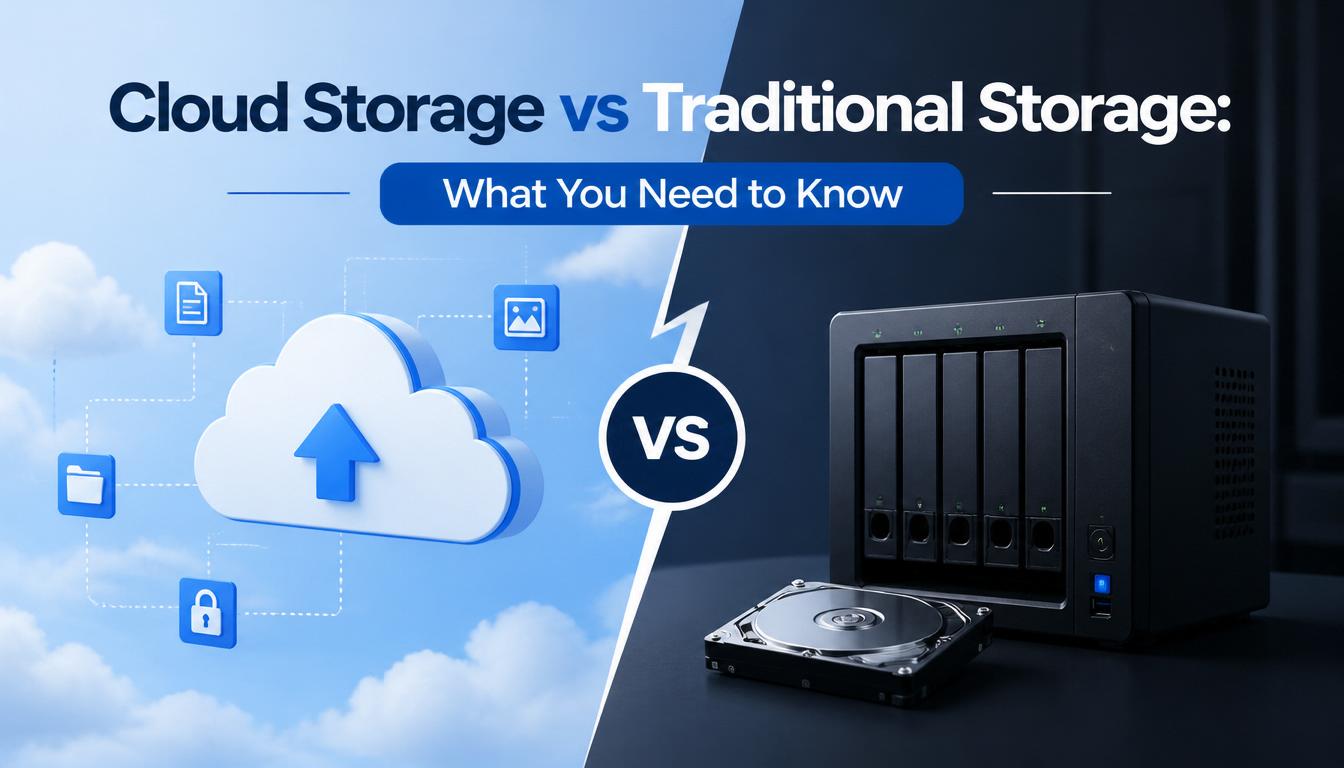
As businesses continue to generate and manage large amounts of data, choosing the right storage solution has become more important than ever. Two of the most common options available today are Cloud Storage and Traditional Storage.
While both methods serve the purpose of storing and protecting data, they differ significantly in terms of accessibility, cost, scalability, security, and maintenance requirements.
Understanding the differences between cloud storage and traditional storage can help businesses make informed decisions that support growth, efficiency, and data security.
With the cloud, individuals and small businesses can snap their fingers and instantly set up enterprise-class services.
Roy Stephan
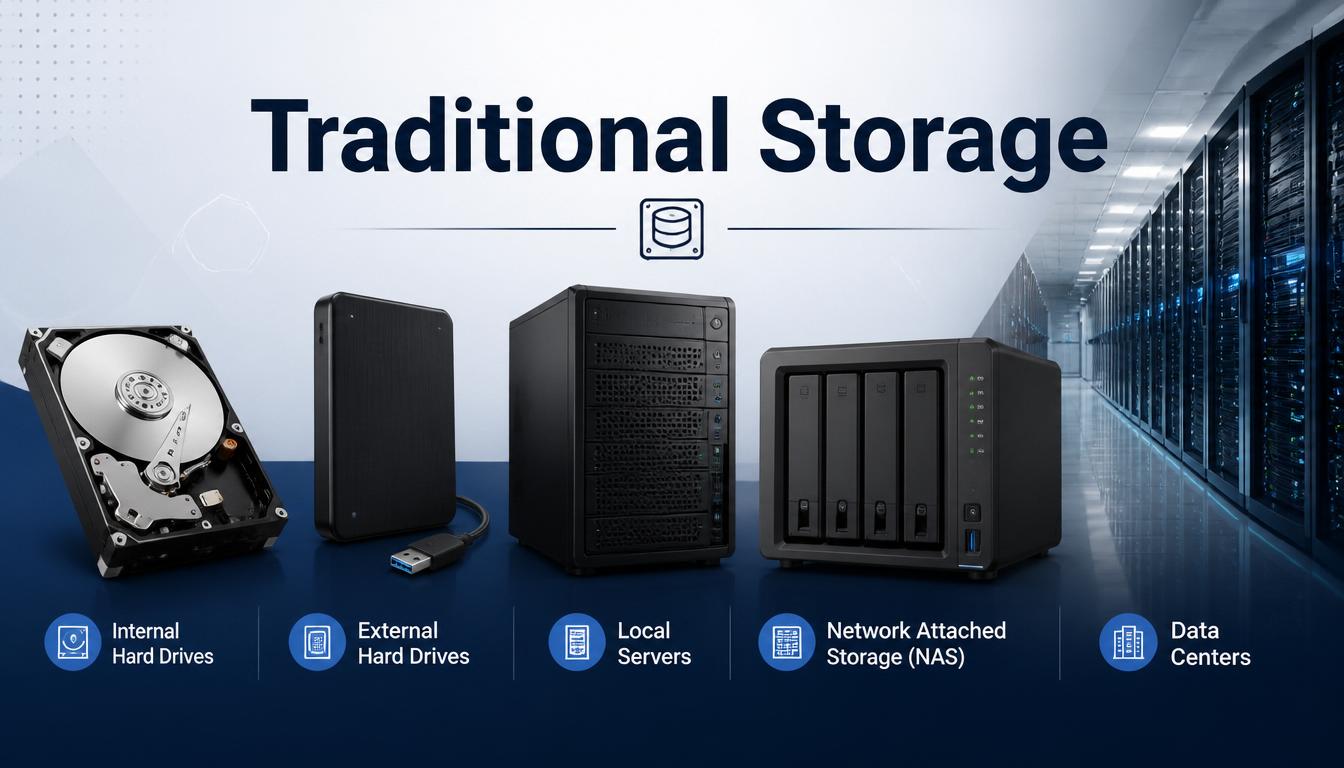
What is Traditional Storage?
Traditional storage refers to storing data on physical devices located within an organization or at a specific location.
Examples include:
- Internal hard drives
- External hard drives
- Local servers
- Network Attached Storage (NAS)
- Data centers owned by the business
With traditional storage, businesses are responsible for purchasing, maintaining, and securing their own hardware infrastructure.
What is Cloud Storage?
Cloud storage allows businesses to store data on remote servers managed by a cloud service provider. Users can access their files and applications through the internet from virtually anywhere.
Popular cloud storage services provide businesses with secure, scalable, and flexible storage solutions without requiring physical infrastructure on-site.
Key Differences Between Cloud Storage and Traditional Storage
1. Accessibility
Cloud Storage
Cloud storage enables users to access files from anywhere with an internet connection.
Benefits
- Remote access
- Work from any location
- Easy file sharing
- Multi-device support
- Data centers owned by the business
Traditional Storage
Traditional storage typically requires users to be connected to the organization's network or physically present at the location where data is stored.
Limitation
Remote access often requires additional configurations and infrastructure.
Winner: Cloud Storage
Cloud storage offers greater flexibility and accessibility for modern businesses.
2. Cost
Cloud Storage
Most cloud providers operate on a subscription or pay-as-you-use model.
Advantages
- Low upfront costs
- No hardware purchases
- Reduced maintenance expenses
- Predictable monthly costs
Traditional Storage
Traditional storage often requires significant upfront investments.
Costs May Include
- Servers and hardware
- Installation expenses
- Maintenance costs
- Hardware replacements
- IT support
Winner: Cloud Storage
For most small and medium-sized businesses, cloud storage is more cost-effective.
3. Scalability
Cloud Storage
Businesses can easily increase or decrease storage capacity as needed.
Benefits
- Instant upgrades
- Flexible storage plans
- No hardware limitations
Traditional Storage
Expanding storage capacity often requires purchasing additional hardware and configuring new infrastructure.
Challenges
- Higher costs
- Longer deployment times
- Additional maintenance requirements
Winner: Cloud Storage
Cloud solutions offer superior scalability.
4. Security
Cloud Storage
Leading cloud providers invest heavily in security measures.
Security Features
- Data encryption
- Multi-factor authentication
- Continuous monitoring
- Automated backups
- Disaster recovery systems
Traditional Storage
Businesses maintain direct control over security measures.
Advantages
- Complete control of infrastructure
- Internal security management
Challenges
- Requires dedicated expertise
- Security costs can be significant
Winner: Tie
Both options can be secure when managed properly. However, many small businesses benefit from the advanced security offered by reputable cloud providers.
5. Backup and Disaster Recovery
Cloud Storage
Cloud platforms typically include automatic backup and recovery capabilities.
Benefits
- Data redundancy
- Faster recovery
- Reduced risk of data loss
- Geographic data replication
Traditional Storage
Backup systems must be managed internally.
Risks
- Hardware failure
- Human error
- Natural disasters
- Limited backup locations
- IT support
Winner: Cloud Storage
Cloud storage generally provides stronger disaster recovery capabilities.
6. Maintenance
Cloud Storage
The cloud provider handles infrastructure maintenance, updates, and system monitoring.
Benefits
- Reduced IT workload
- Automatic software updates
- Minimal maintenance responsibilities
Traditional Storage
Businesses are responsible for maintaining hardware and software.
Responsibilities Include
- Hardware upgrades
- System monitoring
- Security patching
- Equipment replacement
Winner: Cloud Storage
Cloud storage significantly reduces maintenance requirements.
7. Performance
Cloud Storage
Performance depends on internet connectivity and provider infrastructure.
Traditional Storage
Data stored locally may offer faster access for certain applications because files are accessed directly from on-site systems.
Winner: Traditional Storage
For highly specialized applications requiring immediate local access, traditional storage may offer performance advantages.
When Should You Choose Cloud Storage?
Cloud storage is ideal for businesses that:
- Support remote work
- Need scalable storage
- Want lower IT costs
- Require reliable backups
- Need easy collaboration
- Have limited IT resources
Many modern businesses choose cloud storage because of its flexibility and convenience.
When Should You Choose Traditional Storage?
Traditional storage may be suitable for organizations that:
- Require complete control over infrastructure
- Operate in highly regulated environments
- Need ultra-low-latency local access
- Have existing on-premise infrastructure investments
Some businesses also adopt a hybrid approach that combines both storage methods.
The Hybrid Storage Approach
Many organizations choose to combine cloud and traditional storage to maximize the benefits of both.
Benefits of Hybrid Storage
- Greater flexibility
- Improved backup capabilities
- Enhanced business continuity
- Better cost management
- Increased operational efficiency
A hybrid solution allows businesses to store critical data locally while leveraging the cloud for backups, collaboration, and scalability.
Final Thoughts
Both cloud storage and traditional storage have their advantages. However, for most modern businesses, cloud storage offers greater flexibility, scalability, cost savings, and accessibility. Traditional storage remains useful for specific use cases where direct control and local performance are essential.
The best choice depends on your business needs, budget, security requirements, and growth plans.
As technology continues to evolve, many organizations are embracing cloud and hybrid storage solutions to improve efficiency and support digital transformation.
At SOAR IT, we help businesses implement secure and reliable storage solutions that align with their operational goals and future growth.
Looking for a Reliable Storage Solution?
Whether you're considering cloud storage, traditional infrastructure, or a hybrid approach, SOAR IT can help you choose and implement the right solution for your business.
Contact SOAR IT today to discuss your data storage and cloud computing needs.
Related Resources
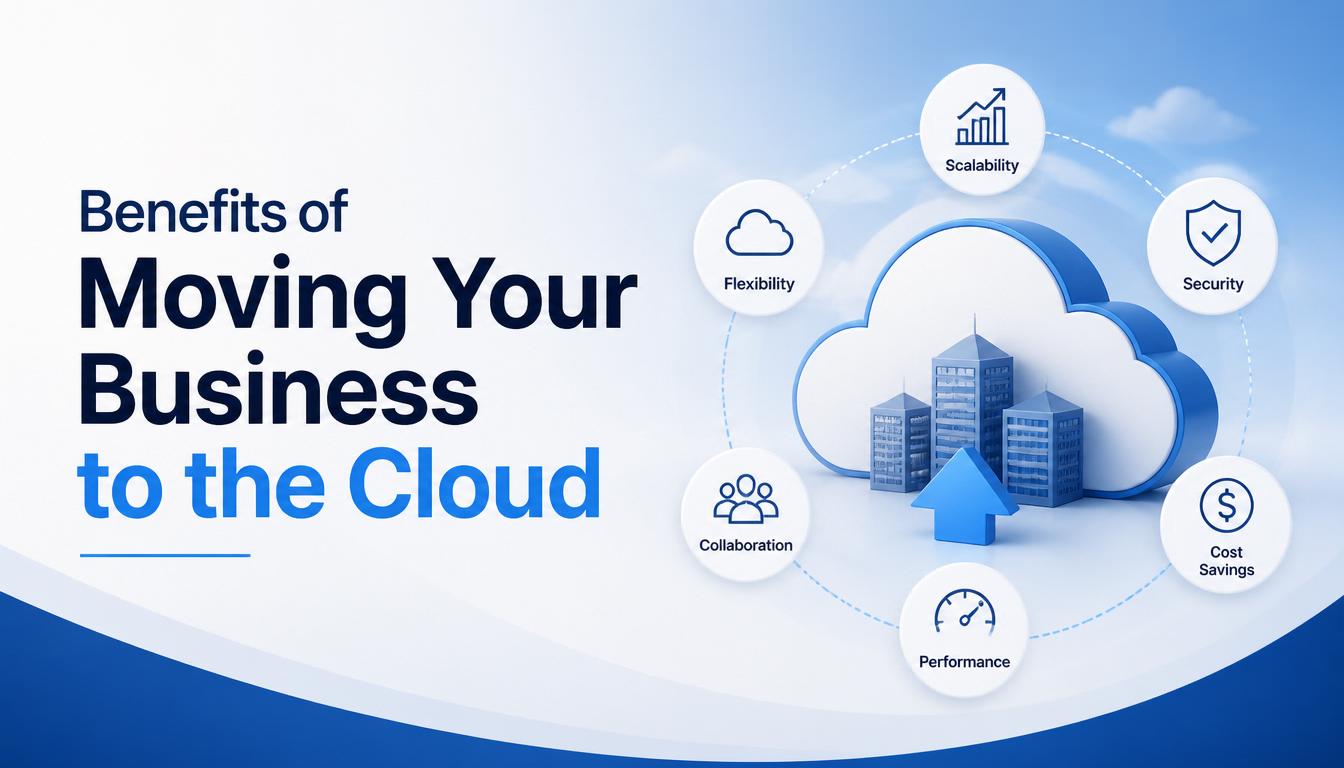
Choosing between cloud storage and traditional storage is an important decision that can impact your business's efficiency, security, and scalability. To better understand the advantages of cloud technology, read our article on Benefits of Moving Your Business to the Cloud. You may also find Common Myths About Cloud Computing helpful in addressing common concerns about cloud adoption. If you're considering a secure and scalable storage solution for your business, explore our Cloud Solutions Services.

Leave a Reply
Your email address will not be published. Required fields are marked *