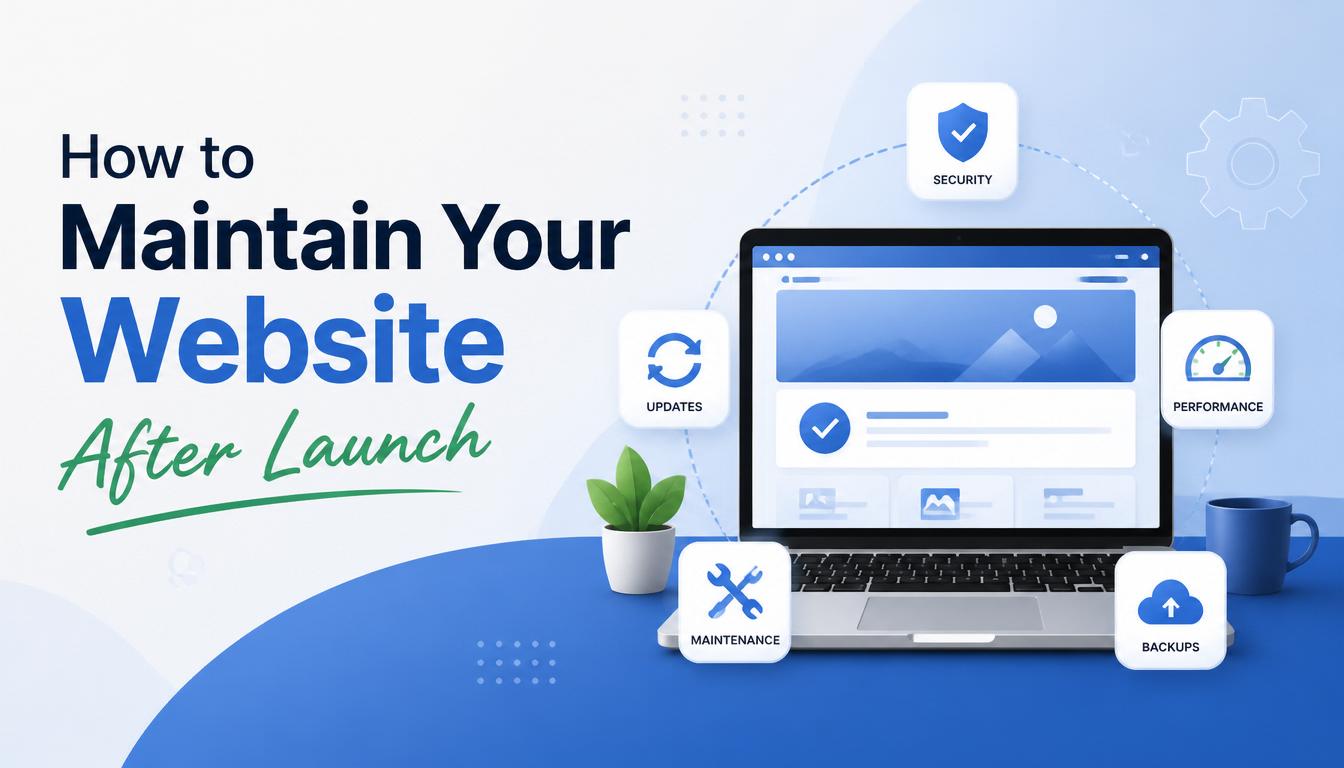
Launching a website is an important milestone for any business, but it's only the beginning. Many business owners mistakenly believe that once a website goes live, the work is done.
In reality, websites require ongoing maintenance to remain secure, fast, functional, and effective.
Without regular maintenance, your website can become vulnerable to security threats, experience performance issues, lose search engine rankings, and provide a poor user experience.
Your website is the window of your business. Keep it fresh, keep it exciting.
Jay Conrad Levinson
In this guide, we'll explore the essential steps you should take to maintain your website after launch.
Why Website Maintenance Matters
Regular website maintenance helps:
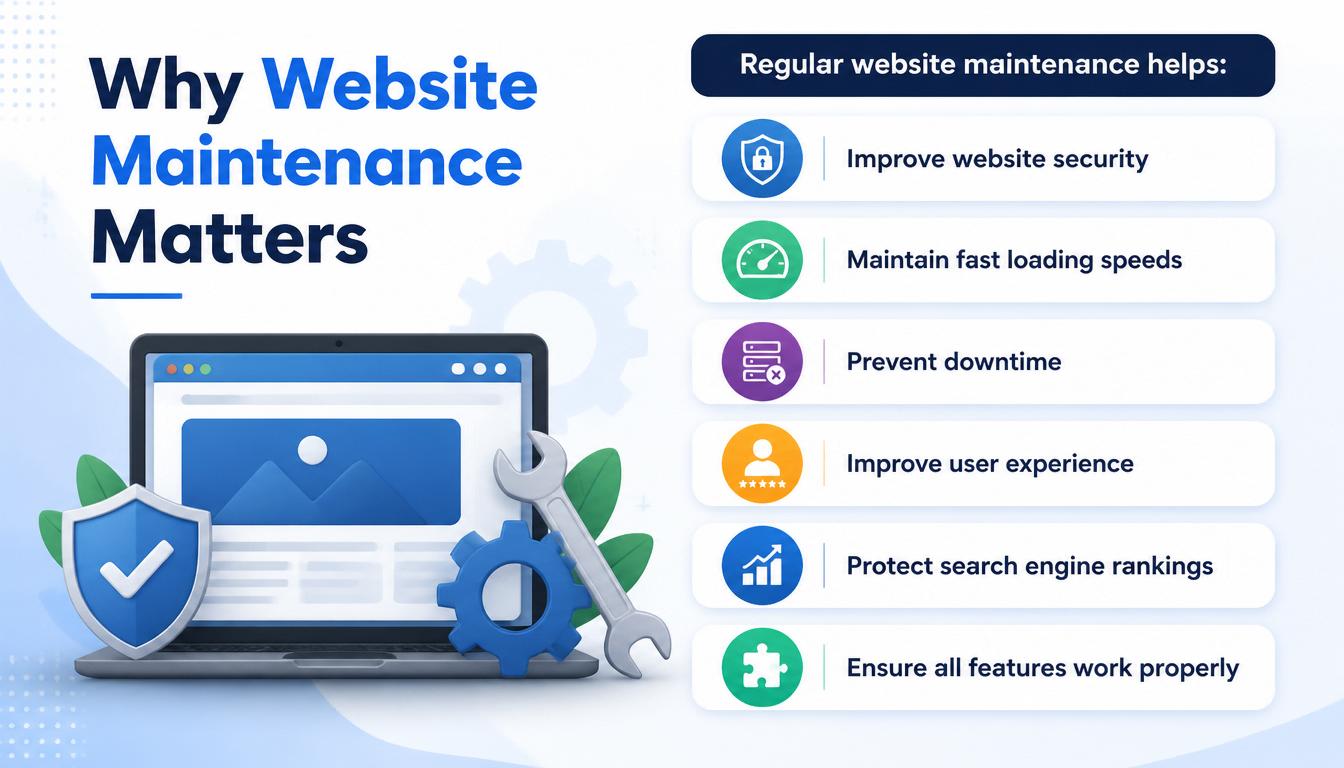
- Improve website security
- Maintain fast loading speeds
- Prevent downtime
- Improve user experience
- Protect search engine rankings
- Ensure all features work properly
A well-maintained website supports long-term business growth and customer trust.
1. Keep Your Website Software Updated
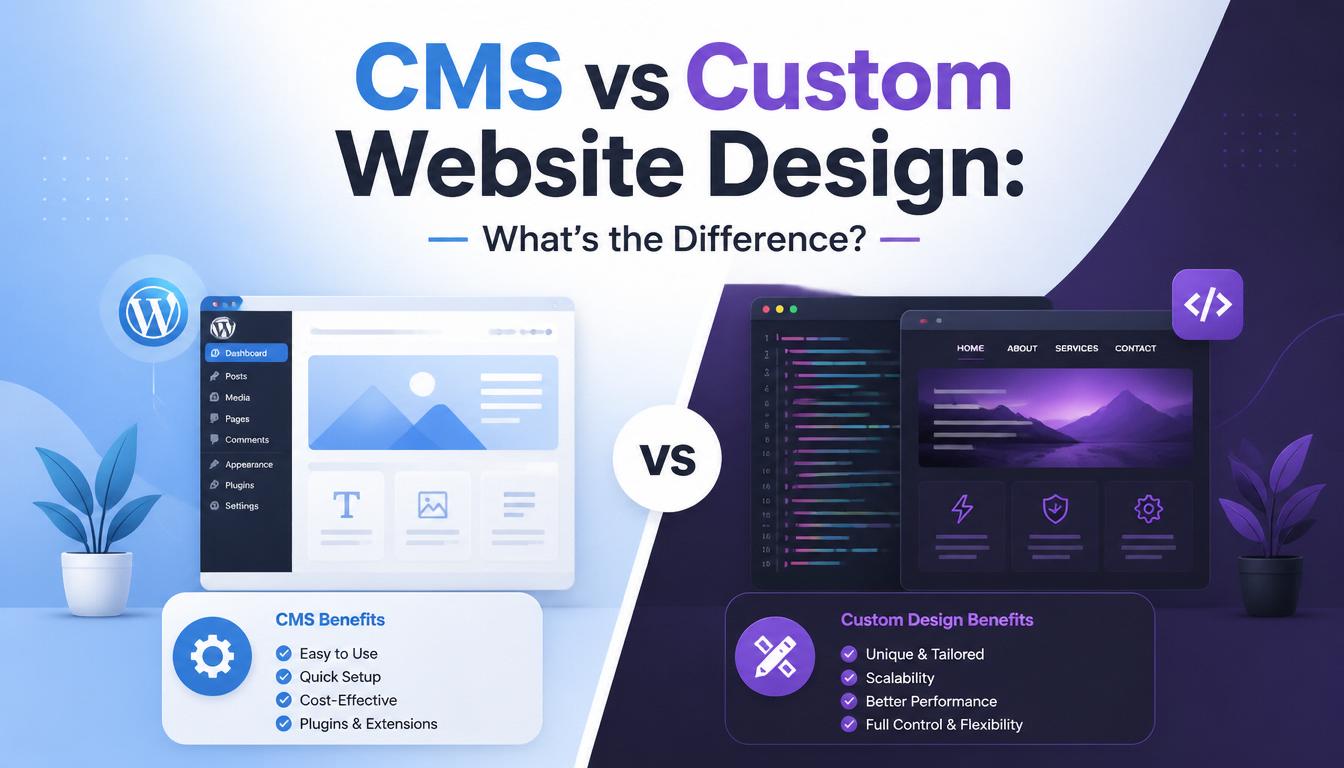
If your website uses a Content Management System (CMS) such as WordPress, updates are essential.
Update Regularly
- CMS core files
- Themes
- Plugins
- Third-party integrations
Updates often contain security patches, bug fixes, and performance improvements.
Risks of Ignoring Updates
- Security vulnerabilities
- Broken functionality
- Compatibility issues
Always test updates before applying them to a live website.
2. Perform Regular Website Backups
Backups protect your website in case of:
- Hacking incidents
- Server failures
- Human errors
- Software conflicts
What to Back Up
- Website files
- Databases
- Media content
- Configuration settings
Recommended Backup Frequency
- Daily for active websites
- Weekly for smaller websites
Store backups in secure off-site locations.
3. Monitor Website Security
Cyber threats continue to increase, making website security a top priority.
Security Best Practices
- Use strong passwords
- Enable two-factor authentication
- Install SSL certificates
- Limit admin access
- Monitor suspicious activity
Security monitoring can help identify issues before they become serious problems.
4. Check Website Speed and Performance
Website performance directly affects user experience and search rankings.
Common Performance Issues
- Large image files
- Poor hosting
- Excessive plugins
- Unoptimized code
Ways to Improve Performance
- Compress images
- Enable caching
- Upgrade hosting when necessary
- Remove unused plugins
Regular performance testing helps identify potential problems early.
5. Test Website Functionality
Broken features can frustrate visitors and reduce conversions.
Check Regularly
- Contact forms
- Buttons
- Navigation menus
- Payment systems
- Booking systems
- Download links
Every important feature should be tested periodically.
6. Review and Update Content
Outdated content can make your business appear inactive or unprofessional.
Update Content Such As
- Service descriptions
- Contact information
- Pricing details
- Team information
- Blog posts
Fresh content improves user engagement and SEO performance.
7. Monitor Search Engine Optimization (SEO)
SEO is not a one-time task
Search engine algorithms change, competitors publish new content, and customer search behavior evolves.
SEO Maintenance Tasks
- Monitor keyword rankings
- Fix broken links
- Update meta titles and descriptions
- Improve internal linking
- Publish new content
Consistent SEO efforts help maintain and improve rankings.
8. Check for Broken Links
Broken links negatively affect:
- User experience
- Website credibility
- Search engine rankings
Common Causes
- Deleted pages
- URL changes
- External websites becoming unavailable
Regular link audits help keep your website healthy.
9. Review Website Analytics
Analytics provide valuable insights into website performance.
Important Metrics to Monitor
- Website Traffic: The total number of visitors who access your website within a specific period. Website traffic helps you understand how many people are discovering and interacting with your business online.
- Bounce Rate: The percentage of visitors who leave your website after viewing only one page without taking any further action. A high bounce rate may indicate that visitors are not finding the information they need or that the page is not engaging enough.
- Conversion Rate: The percentage of website visitors who complete a desired action, such as filling out a contact form, making a purchase, subscribing to a newsletter, or requesting a quote. A higher conversion rate indicates that your website is effectively turning visitors into leads or customers.
- Most Visited Pages: The pages on your website that receive the highest number of visits. Identifying these pages helps you understand which content interests your audience the most and where you should focus your optimization efforts.
- Traffic Sources: The channels through which visitors arrive at your website. Common traffic sources include search engines (Google, Bing), social media platforms, direct visits, referral websites, email campaigns, and paid advertisements.
Data-driven decisions can help improve results over time.
10. Renew Domain and Hosting Services
Many businesses accidentally allow their domains or hosting plans to expire.
Keep Track Of
- Domain renewal dates
- Hosting renewal dates
- SSL certificate expiration
Enable automatic renewals whenever possible.
11. Optimize for Mobile Devices
As mobile usage continues to grow, mobile optimization remains essential.
Check Regularly
- Mobile responsiveness
- Page speed on mobile devices
- Form usability
- Navigation functionality
A positive mobile experience helps improve conversions and rankings.
12. Review User Experience (UX)
Customer expectations change over time.
Regularly evaluate whether your website remains easy to use.
Consider
- Navigation structure
- Page layouts
- Call-to-action placement
- Overall usability
Small improvements can have a significant impact on results.
Website Maintenance Checklist
- Update CMS, themes, and plugins
- Create regular backups
- Monitor website security
- Test website speed
- Update content regularly
- Monitor SEO performance
- Fix broken links
- Review analytics data
- Renew domain and hosting services
- Test mobile responsiveness
- Improve user experience
Common Website Maintenance Mistakes
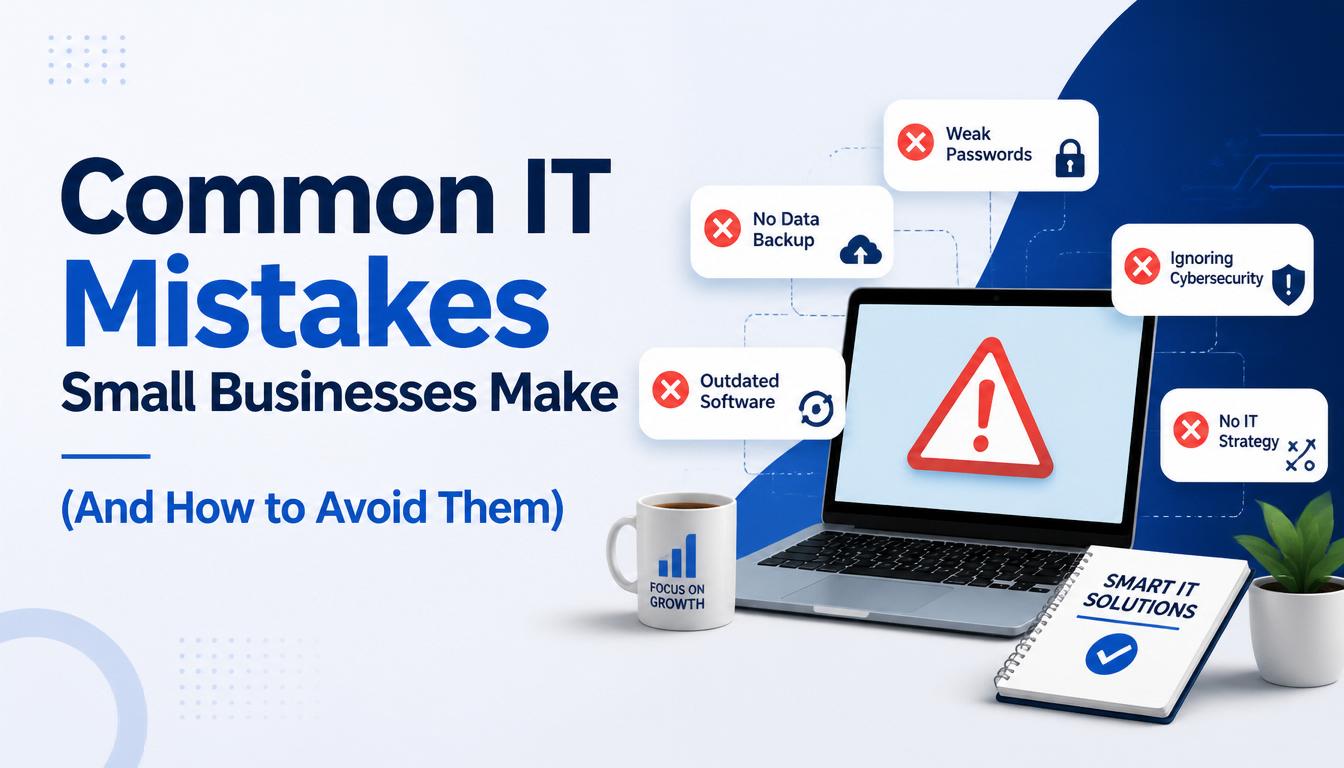
- Ignoring Updates
- No Backup Strategy
- Neglecting SEO
- Forgetting Renewals
- Never Reviewing Analytics
Outdated software is one of the leading causes of website security breaches.
Without backups, recovering from an issue can be extremely difficult.
Search rankings can decline if SEO is ignored.
Expired domains and hosting services can take your website offline.
Without data, it's difficult to identify opportunities for improvement.
Final Thoughts
Launching a website is just the first step. Ongoing maintenance is essential to ensure your website remains secure, fast, functional, and effective.
Businesses that invest in regular website maintenance are better positioned to attract customers, improve user experience, and achieve long-term online success.
At SOAR IT, we help businesses maintain, optimize, and secure their websites so they can focus on growth while we handle the technical details.
Ready to Keep Your Website Performing at Its Best?
Whether you need website maintenance, security updates, performance optimization, or technical support, SOAR IT is here to help
Contact SOAR IT today and let us keep your website running smoothly and efficiently.
Related Resources
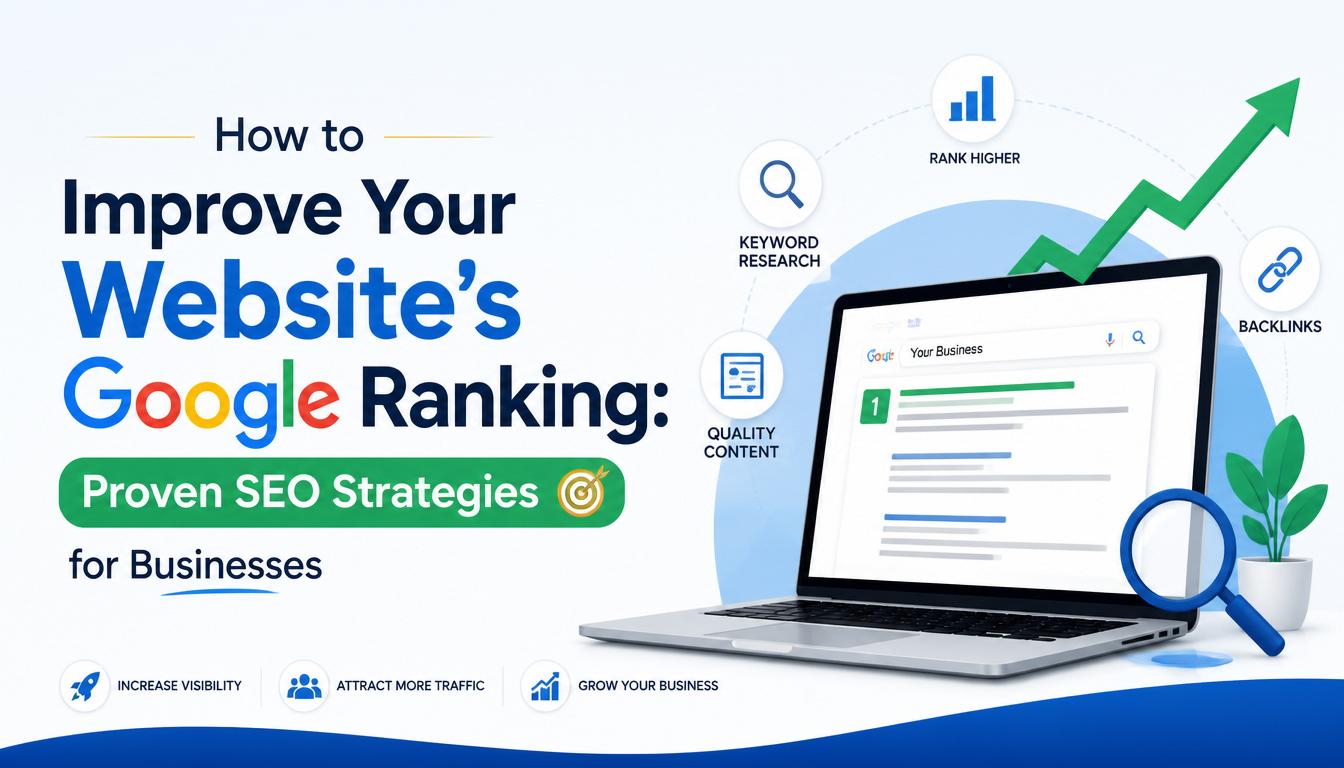
Maintaining a website goes beyond keeping it online. To improve performance and attract more visitors, read our article on How to Improve Your Website's Google Ranking. You should also explore Website Security Best Practices for Small Businesses to learn how to protect your website from security threats. If you're planning a redesign or need professional support, explore our Website Design & Development Services for expert assistance.

Leave a Reply
Your email address will not be published. Required fields are marked *