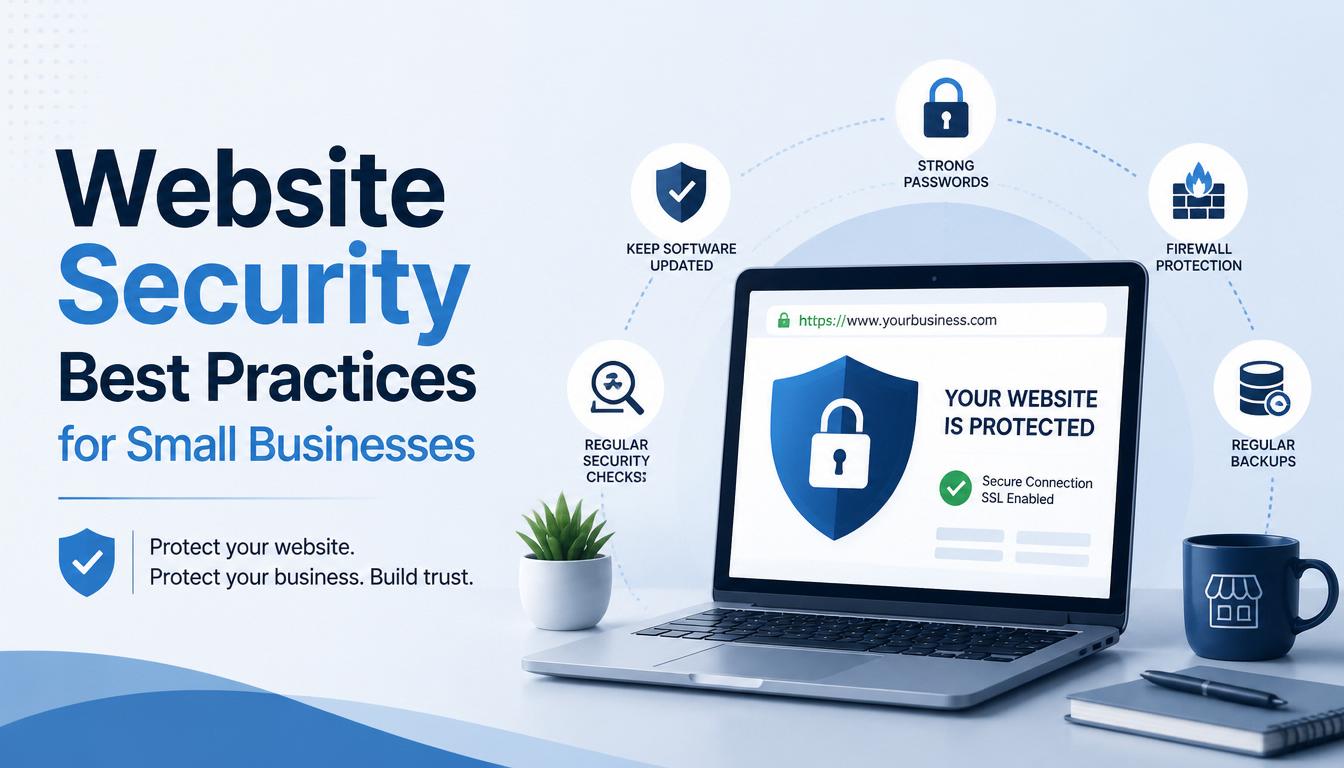
A website is one of the most valuable digital assets a business can own. It serves as a marketing platform, sales channel, communication hub, and often stores important customer information. However, as cyber threats continue to increase, small businesses are becoming frequent targets for hackers due to weaker security measures.
A security breach can lead to data loss, financial damage, downtime, and loss of customer trust. The good news is that many website security risks can be prevented by implementing the right practices.
"Security doesn't start with detection, it begins with design.
Timsux Wales
Here are some essential website security best practices every small business should follow.
1. Install an SSL Certificate
An SSL (Secure Sockets Layer) certificate encrypts data transmitted between your website and visitors.
Why It Matters
Without SSL encryption, sensitive information such as login credentials, contact form submissions, and payment details can be intercepted by attackers.
Benefits
- Protects customer information
- Improves website trust and credibility
- Helps with search engine rankings
- Displays the secure padlock icon in browsers
Always ensure your website uses HTTPS instead of HTTP.
2. Keep Your Website Updated
Outdated software is one of the most common causes of website security breaches.
What Should Be Updated?
- Content Management Systems (CMS)
- Plugins and extensions
- Themes and templates
- Server software
- Custom applications
Why It Matters
Updates often contain security patches that fix vulnerabilities discovered by developers.
Regular updates significantly reduce the risk of cyberattacks.
3. Use Strong Passwords
Weak passwords make it easy for hackers to gain unauthorized access.
Best Practices
- Use a combination of uppercase and lowercase letters
- Include numbers and special characters
- Avoid common words and personal information
- Use unique passwords for different accounts
Additional Protection
Enable Multi-Factor Authentication (MFA) whenever possible to add an extra layer of security.
4. Backup Your Website Regularly
Website backups are essential for disaster recovery.
Why It Matters
If your website is hacked, infected with malware, or experiences technical failures, backups allow you to restore your site quickly.
Backup Recommendations
- Schedule automatic backups
- Store backups in multiple locations
- Use both cloud and offline storage
- Test backups regularly to ensure they work
A reliable backup strategy can save your business from significant downtime.
5. Secure Your Hosting Environment
Your hosting provider plays a critical role in website security.
Look For Hosting Providers That Offer:
- SSL support
- Malware scanning
- Firewall protection
- Regular security updates
- Backup services
- DDoS protection
Choosing a reputable hosting provider helps reduce security risks from the start.
6. Limit User Access
Not every employee needs full access to your website.
Why It Matters
Without SSL encryption, sensitive information such as login credentials, contact form submissions, and payment details can be intercepted by attackers.
Best Practices
- Assign role-based permissions
- Remove inactive user accounts
- Limit administrative access
- Review user permissions regularly
The fewer people who have access to critical website functions, the lower the security risk.
7. Protect Against Malware
Malware can damage your website, steal information, and disrupt operations.
How to Stay Protected
- Install website security tools
- Perform regular malware scans
- Monitor files for unauthorized changes
- Remove suspicious software immediately
Early detection can prevent major security incidents.
8. Use a Website Firewall
A web application firewall (WAF) helps block malicious traffic before it reaches your website.
Benefits of a Firewall
- Prevents hacking attempts
- Blocks suspicious traffic
- Protects against common vulnerabilities
- Reduces the risk of DDoS attacks
A firewall acts as an important first line of defense.
9. Monitor Your Website Regularly
Many businesses only discover security problems after damage has already occurred.
What to Monitor
- Login attempts
- Website performance
- Error logs
- Traffic patterns
- File modifications
Regular monitoring helps identify suspicious activities before they become major threats.
10. Secure Contact Forms and User Inputs
Forms are common entry points for attackers.
Best Practices
- Validate all user input
- Use CAPTCHA protection
- Filter malicious code submissions
- Prevent SQL injection attacks
Proper form security protects both your website and your visitors.
11. Educate Employees About Cybersecurity
Human error remains one of the leading causes of security incidents.
Training Topics
- Phishing awareness
- Password security
- Safe browsing habits
- Recognizing suspicious emails
- Data protection practices
A security-aware team significantly reduces business risk.
12. Perform Regular Security Audits
Security is not a one-time task.
Regular Audits Help You
- Identify vulnerabilities
- Review security settings
- Test website defenses
- Improve compliance
- Stay ahead of emerging threats
Periodic assessments help maintain a strong security posture.
Common Signs Your Website May Be Compromised
Watch for warning signs such as:
- Unexpected website downtime
- Slow website performance
- Unauthorized content changes
- Suspicious user accounts
- Security warnings from browsers
- Unusual traffic spikes
If you notice any of these signs, investigate immediately.
Final Thoughts
Website security is essential for protecting your business, customers, and reputation. Cyber threats continue to evolve, but many attacks can be prevented through proactive security measures such as SSL encryption, regular updates, strong passwords, backups, secure hosting, and employee awareness.
Investing in website security today can save your business from costly problems tomorrow.
At SOAR IT, we help businesses build secure, reliable, and high-performing websites that protect valuable data and support long-term growth.
Secure Your Website Today
Don't wait until a cyberattack disrupts your business. Protect your website, customer data, and online reputation with professional website security solutions.
Contact SOAR IT today to learn how we can help secure your business online.

Leave a Reply
Your email address will not be published. Required fields are marked *